Build your page
Design
Templates, styles, backgrounds and the finer details.
Start from a template
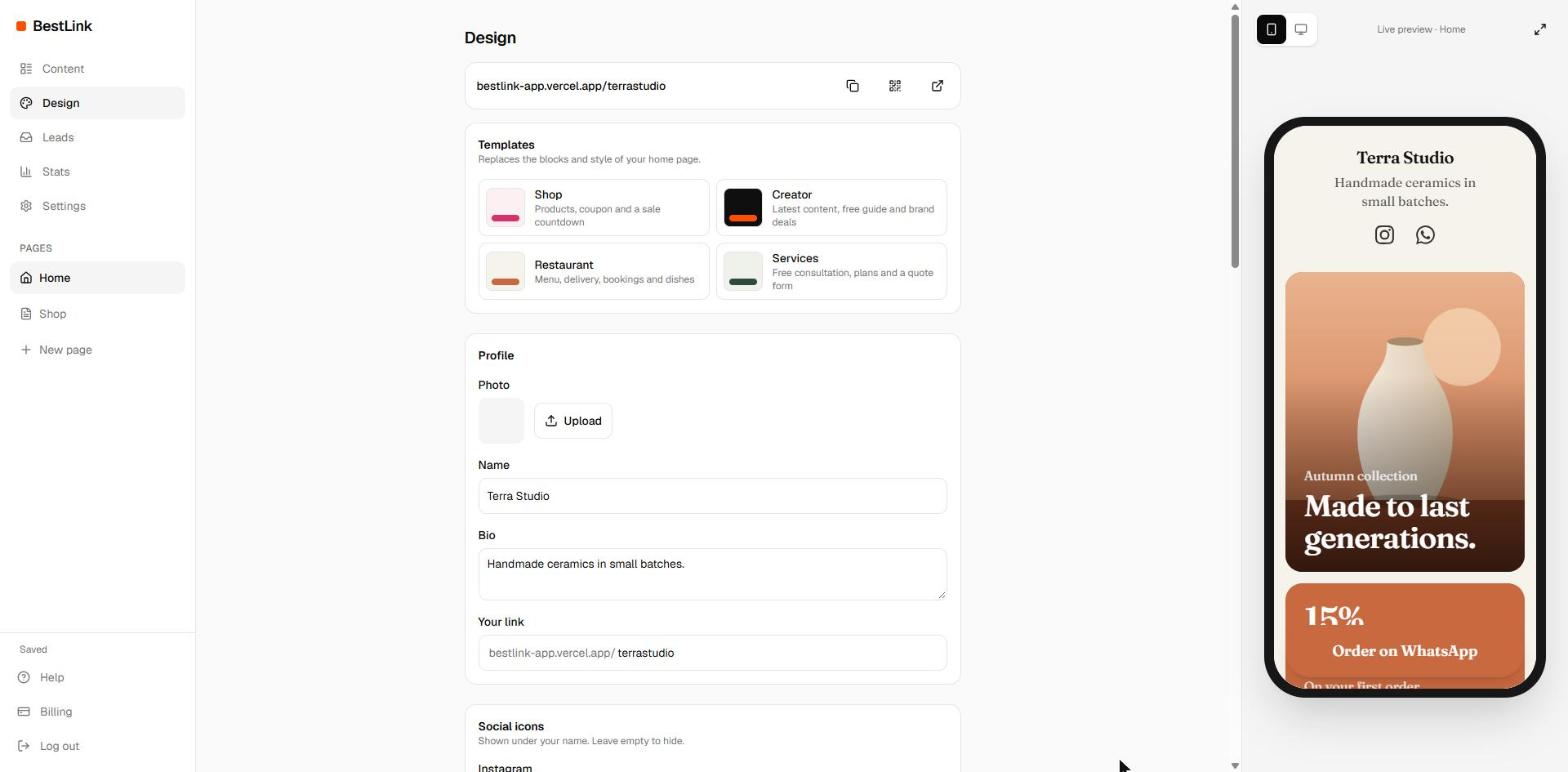
In Design, Templates gives you a ready page for a shop, a creator, a restaurant or services. Swap in your photos and texts and you're done.
A template replaces the blocks and look of your home page, so it asks before applying. Your extra pages are not touched.
Pick a style
Six ready sets: Clean, Terra, Night, Ocean, Forest and Pop. Each one sets the background, accent color, corners, font and buttons. Change any of them afterwards.
Background
- Color: one solid color.
- Gradient: two colors, top to bottom, diagonal, or a glow from the top.
- Photo or Video: upload an image or an MP4. The tint slider lays your background color over it so text stays readable.
- Texture: grain, dots or grid on top of any background.
Keep background videos short and light: they load on your visitors' mobile data.
Fine-tune
- Profile position: centered, left, right, or over the cover photo.
- Font: modern, editorial, rounded or mono.
- Buttons and cards: soft, outline, filled, shadow, hard shadow or glass.
- Corners: sharp, soft or round.
- Entrance animation: none, subtle or bold. Visitors who prefer less motion don't see it.
Profile and social icons
Also in Design: your photo, name, bio and page address, and the Instagram, TikTok, WhatsApp, YouTube and email icons under your name.