Account
Settings
Languages, ad pixels and your address.
Languages
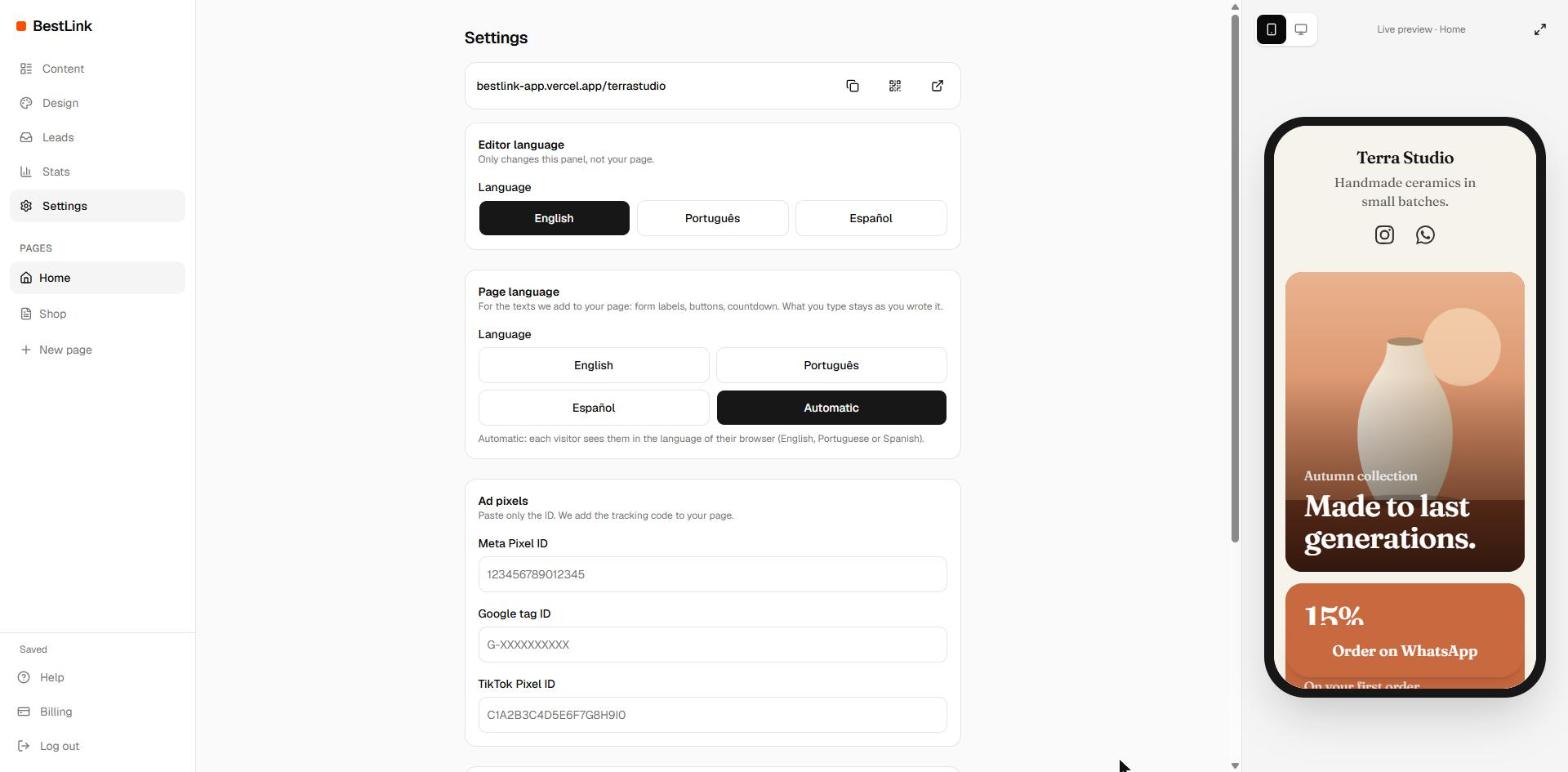
- Editor language: English, Português or Español, just for you.
- Page language: the language of the words Shinelink writes on your page, like Copy, Send and the countdown labels. Automatic follows each visitor's browser.
Ad pixels
- Meta Pixel ID: the number from Meta Events Manager.
- Google tag ID: starts with G- (Analytics) or AW- (Ads).
- TikTok Pixel ID: from TikTok Ads Manager.
Pixels load on your public pages only, never in the editor.
Your address
Change it in Design, under Profile. The old address stops working right away, so update it wherever you shared it.
Lead alerts
Send every new contact to Zapier, Make or n8n. See Forms and leads.